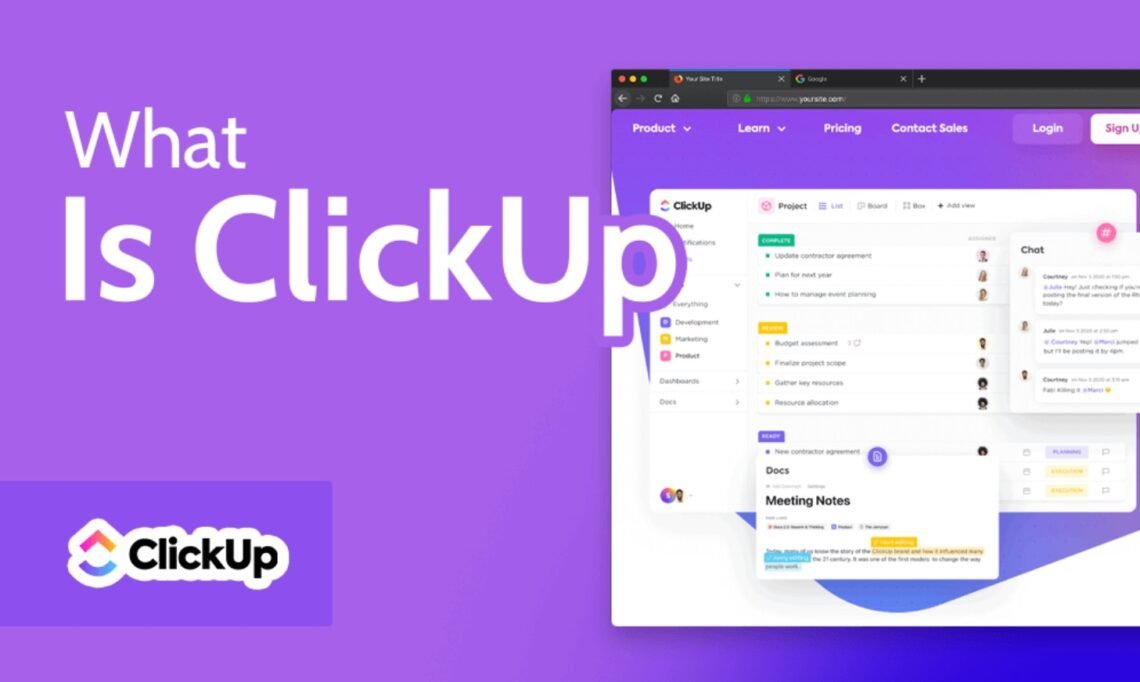
In today’s fast-paced digital world, businesses of all sizes require effective project management tools to streamline workflows, enhance team collaboration, and ensure successful project delivery. This is where ClickUp comes in. Whether you are a startup looking for a flexible project management solution or a large enterprise needing to optimize productivity, ClickUp offers a comprehensive suite of features to meet your needs. But what is ClickUp, exactly? In this article, we will delve into the details of this versatile tool, including its features, pricing, news updates, and even career opportunities.
What is ClickUp?
ClickUp is a robust project management and productivity platform designed to help teams and individuals manage tasks, projects, and workflows more efficiently. It is an all-in-one tool that combines task management, document sharing, time tracking, goal setting, and collaboration into one unified workspace. Whether you are managing complex projects or simply tracking individual tasks, ClickUp’s flexibility allows you to tailor your workflow to your specific needs.
ClickUp allows users to manage work using features such as task lists, project boards, time tracking, Gantt charts, integrations with other tools, and automated workflows. Its versatility has made it popular among businesses, teams, freelancers, and organizations across different industries.
Key Features of ClickUp
ClickUp stands out in the crowded project management space because of its vast array of features. Let’s explore some of the key functionalities that make ClickUp a powerful tool.
Task and Project Management
ClickUp’s core feature is its task management system. The platform allows users to create tasks and assign them to team members, track progress, set deadlines, and add attachments or comments. The task lists can be customized to display relevant information such as priorities, due dates, and status updates. Additionally, tasks can be organized into projects or workflows, providing a centralized location for team collaboration.
Customizable Views
ClickUp offers a wide variety of views that help users visualize their projects. These views include a List View, Board View (similar to Kanban), Gantt Chart View, Calendar View, and even a Mind Map View. Each view can be customized to fit the specific needs of the team or project, ensuring that all members can work in the most efficient way possible.
Time Tracking and Reporting
For teams that need to monitor time spent on tasks or projects, ClickUp provides built-in time tracking features. Users can start and stop a timer within the platform, track hours, and generate reports. This is particularly useful for freelancers or businesses that charge clients based on time spent or need to assess team performance.
Goal and Milestone Tracking
ClickUp helps teams stay on track by offering goal-setting and milestone tracking features. Users can define specific objectives, break them down into smaller tasks, and monitor progress as they work towards the goal. This feature provides visibility into long-term plans while ensuring day-to-day tasks align with strategic objectives.
Automation
ClickUp’s automation capabilities help reduce repetitive tasks and streamline workflows. You can set up triggers to automatically assign tasks, change task statuses, or send notifications based on certain conditions. This automation feature enhances efficiency by allowing teams to focus on more important tasks while ClickUp handles routine processes.
Integrations
ClickUp seamlessly integrates with a wide range of third-party tools and applications. Whether you use Google Drive, Slack, Zoom, or other productivity tools, ClickUp ensures smooth integration with your existing software. This makes it easy to centralize all your workflows in one platform without losing the functionality of your preferred tools.
ClickUp Login and Accessibility
Accessing your ClickUp workspace is easy through the ClickUp login page. The platform is available on multiple devices, including desktop and mobile apps, ensuring that you can manage tasks and collaborate with your team anytime, anywhere. The intuitive interface makes it simple to navigate and use, even for first-time users.
Also Read: ClickUp Login Guide: How to Access and Use ClickUp
ClickUp Pricing: What You Need to Know
When considering a project management tool, pricing is often one of the most important factors to evaluate. Fortunately, ClickUp offers a flexible pricing structure that caters to businesses of various sizes.
Free Plan
ClickUp’s free plan is an excellent option for individuals, small teams, or startups looking for a simple yet effective solution. It includes many core features such as task management, time tracking, and integrations with other apps. However, advanced features like goal tracking, dashboards, and automation are limited in the free version.
Unlimited Plan
The Unlimited plan is ideal for growing teams. Starting at an affordable monthly rate, this plan unlocks unlimited integrations, dashboards, and advanced reporting features. It also provides additional customization options, including custom fields and templates.
Business Plan
For larger organizations or teams with more complex needs, ClickUp’s Business plan offers everything in the Unlimited plan, plus enhanced automation, goal tracking, and access to advanced reporting and security features. This plan is priced higher, reflecting the expanded features and support it provides.
Enterprise Plan
The Enterprise plan is the most advanced offering, tailored for large-scale organizations with stringent security, compliance, and customization needs. It provides dedicated support, enterprise-level security features, and unlimited customization options. Pricing for the Enterprise plan is available upon request.
ClickUp’s pricing options are designed to scale with your team’s needs, ensuring that you only pay for the features that matter most to you. This flexibility makes ClickUp an attractive choice for businesses at any stage.
Also Read: MyBettingEdge Review: How It Works and How to Use It
ClickUp News: Staying Updated with the Platform’s Latest Features
ClickUp is continuously evolving to meet the changing needs of its users. With frequent updates, new features, and performance improvements, staying informed about ClickUp’s latest developments is essential. Regularly checking ClickUp news or visiting the platform’s blog is a great way to learn about new integrations, features, and other exciting updates that enhance your user experience.
For example, recent ClickUp updates have focused on enhancing the user interface, improving collaboration tools, and integrating AI to assist with task automation. By staying updated, users can make the most out of the platform’s capabilities and keep their workflows running smoothly.
ClickUp Careers: Opportunities to Join the Team
As ClickUp continues to grow and revolutionize project management, it’s also expanding its workforce. If you’re passionate about productivity tools and want to be a part of a fast-growing, innovative company, exploring ClickUp careers might be a great option.
ClickUp offers a wide range of career opportunities, from software engineering and product management to marketing and customer support. The company fosters a collaborative and inclusive work environment, providing employees with the chance to work on cutting-edge projects and make a tangible impact.
You can find more information about ClickUp careers, job openings, and company culture on their official careers page. Joining ClickUp’s team means being part of a forward-thinking company committed to transforming how teams and organizations work.
Also Read: Do the Driving Modes in Cadillac Lyriq Offer Different Ranges or Battery Usages?
Asana vs ClickUp: How Do They Compare?
When evaluating project management tools, it’s natural to compare ClickUp to other popular platforms such as Asana. Both tools offer similar features, but they cater to slightly different needs and preferences.
User Interface and Ease of Use
Asana is known for its clean and user-friendly interface, making it an excellent choice for teams new to project management software. However, ClickUp offers greater customization and flexibility in how users organize tasks and manage workflows. While it may have a steeper learning curve, ClickUp is more versatile and can be adapted to a wider variety of use cases.
Features and Customization
ClickUp generally offers more features than Asana, including time tracking, reporting, and automation. Additionally, ClickUp’s ability to customize task views, workflows, and project setups allows teams to create a system tailored to their specific needs. Asana, on the other hand, offers more simplified project management with fewer customization options.
Pricing
Both ClickUp and Asana have free plans, but ClickUp’s paid plans tend to offer more value in terms of features. While Asana’s pricing is higher for teams looking for advanced features, ClickUp’s pricing structure provides more flexibility and scalability, allowing businesses to choose the plan that best suits their needs.
Also Read: Buffalo Bills vs Atlanta Falcons Match Player Stats – Key Insights & Analysis
Conclusion
ClickUp is a powerful project management platform that has quickly gained popularity due to its comprehensive features, flexibility, and scalability. Whether you are managing small personal tasks or large enterprise projects, ClickUp can help streamline your workflows, enhance team collaboration, and improve productivity. With various pricing plans, integrations, and customization options, ClickUp is designed to meet the needs of any team or business.
If you’re looking to take your project management to the next level, ClickUp may be the solution you need. From understanding what ClickUp is and how it works to exploring its latest news and career opportunities, this platform offers a wealth of tools to help you succeed.
FAQs
1. How do I log in to ClickUp?
You can log in to ClickUp by visiting the ClickUp login page and entering your credentials. Once logged in, you will have access to your personalized workspace.
2. Is ClickUp free?
Yes, Click Up offers a free plan that includes essential features for task management and team collaboration. For more advanced features, you can choose from one of the paid plans.
3. Can Click Up replace Asana?
Click Up offers more features and customization options compared to Asana, making it a suitable alternative for teams that require advanced project management capabilities.
4. How much does Click Up cost?
Click Up offers several pricing plans, including a free option. Paid plans start at an affordable monthly rate, with higher-tier plans offering more advanced features for larger teams and businesses.